





























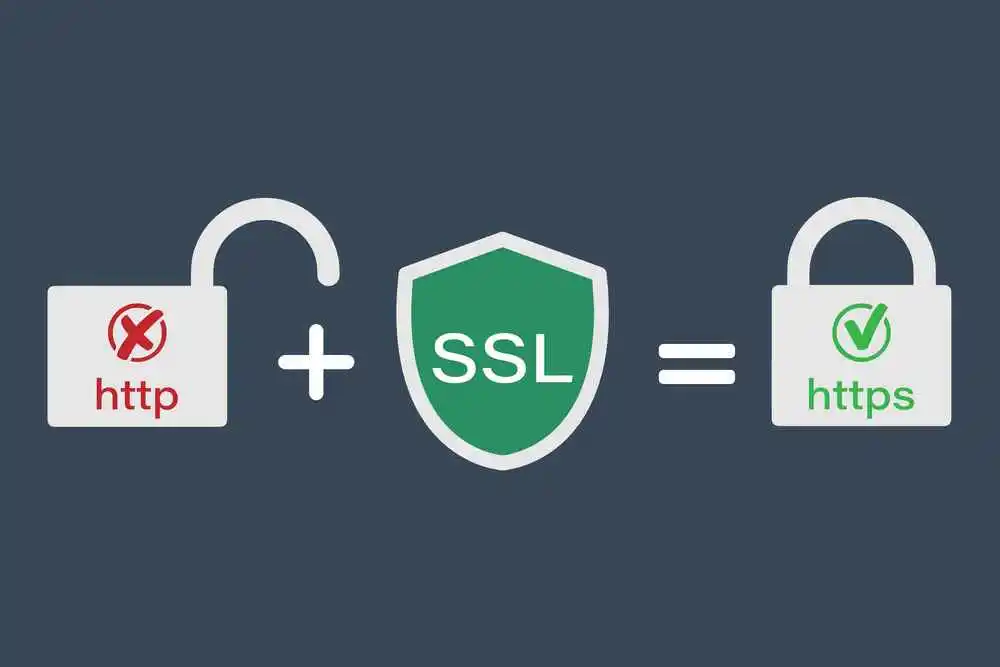
Quick Glossary for Fast Scanners
- HTTP: HyperText Transfer Protocol — sends web pages.
- HTTPS: A saved version of HTTP using SSL/TLS.
- SSL/TLS Certificate: A digital certificate encrypts communication between the browser & server.
Introduction – Why I Care About HTTPS
When I first started helping websites, many used HTTP. HTTP sends data in plain text. Anyone on the network can read it. I compare HTTP to sending a postcard. Anyone can see the message inside. HTTPS is like sending a sealed envelope.
Only the recipient can open it.
In my migrations, I saw that HTTPS improves security. It also improves trust and Google rankings. In this guide, I will share everything I did. I will cover SSL/TLS setup, migration tips, and troubleshooting.
What is HTTP?
HTTP stands for HyperText Transfer Protocol. It allows browsers to get pages from servers. HTTP uses port 80 by default. The issue is that HTTP is unencrypted. Data like passwords can be intercepted by hackers. This is called a “man-in-the-middle attack.” I have seen websites where login data was stolen. Browsers now display a “Not safe” warning on HTTP sites.
What is HTTPS?
“HTTPS is HTTP with SSL/TLS” encryption. It uses “port 443” for safe communication. When I install HTTPS, the server sends a certificate.
- The certificate has a public key.
- Browsers use it to encrypt data.
- The server uses a private key to decrypt it.
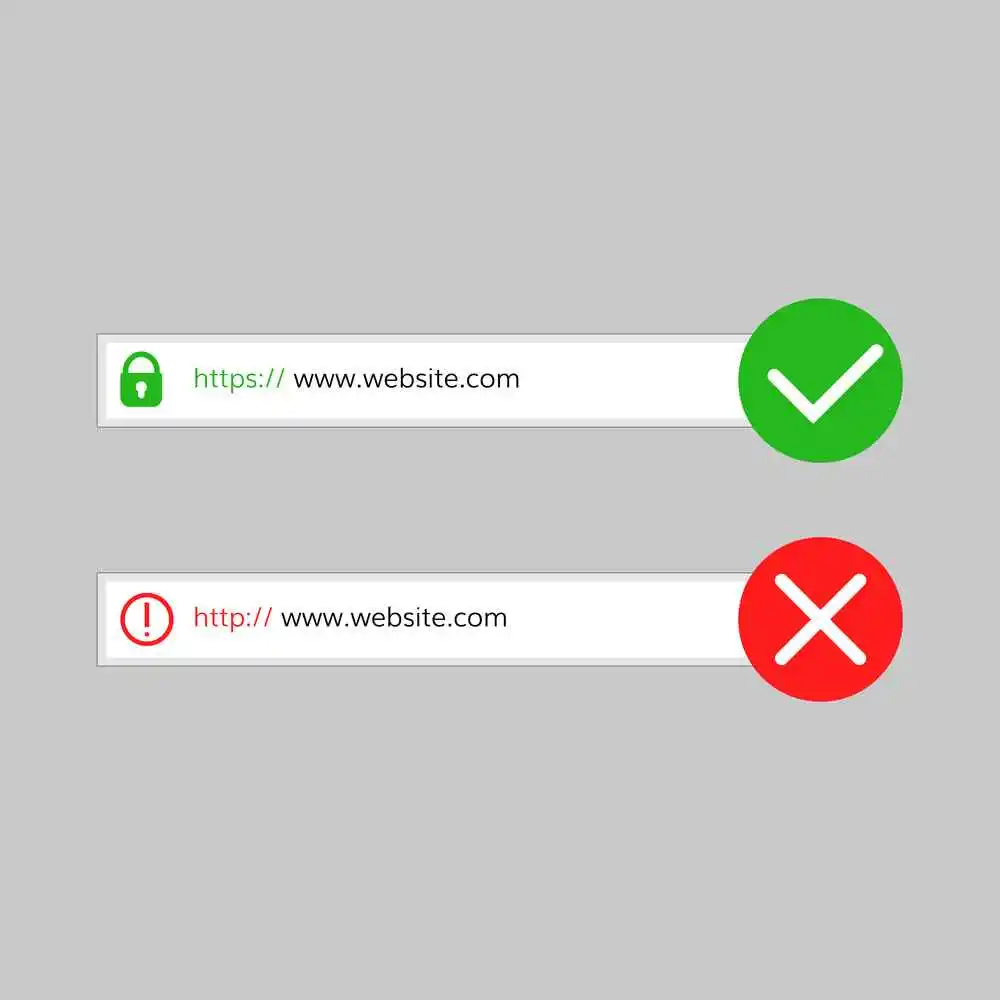
This ensures data is encrypted and safe. It also confirms the website is real. So, the padlock icon in the browser displays security.
Key Differences Between HTTP & HTTPS
Here is an easy comparison table:
| Feature | HTTP | HTTPS |
| Port | 80 | 443 |
| Security | Unencrypted | Encrypted with SSL/TLS |
| Data Integrity | No | Yes |
| SEO Impact | None | Slight ranking boost |
| Browser Warning | “Not Secure” | Padlock icon |
| Performance | Basic | Supports HTTP/2 & HTTP/3 |
How Does HTTPS Work? SSL/TLS Explained
HTTPS uses TLS, replacing the old SSL protocol.
- TLS is faster and safer than SSL.
- The connection starts with a handshake.
- The server sends its certificate.
- The browser checks the certificate validity.
- Public and private keys are used.
- A session key is created for encryption.
- Data is transmitted securely after that.
- I imagine this as handing visitors a sealed envelope.
Even if intercepted, the data cannot be read.
Why HTTPS Matters for SEO
HTTPS improves security and SEO. Google considers HTTPS a ranking signal. Sites with HTTPS appear slightly higher in results. It also improves user trust. During a mini audit I did on 10 sites:
- 8 used HTTPS fully
- 2 still had HTTP with warnings
This shows that most websites now adopt HTTPS.
How I Switched Websites to HTTPS – Step-by-Step
Here’s what I personally do when migrating sites:
Step 1: Get an SSL/TLS Certificate
- Free: Let’s Encrypt
- Paid: Certificate authority for extended validation
Step 2: Install Certificate on Server
Apache example:
<VirtualHost *:443>
ServerName example.com
SSLEngine on
SSLCertificateFile /path/to/cert.pem
SSLCertificateKeyFile /path/to/privkey.pem
</VirtualHost>
Nginx example:
server {
listen 443 ssl;
server_name example.com;
ssl_certificate /etc/ssl/cert.pem;
ssl_certificate_key /etc/ssl/privkey.pem;
}
Step 3: Redirect HTTP → HTTPS
RewriteEngine On
RewriteCond %{HTTPS} off
RewriteRule ^(.*)$ https://%{HTTP_HOST}%{REQUEST_URI} [L,R=301]
This ensures users and search engines go to HTTPS.
Step 4: Update WordPress Settings
- Change Site URL in Settings → General
- Replace all http:// links in the database
- Fix mixed content errors by loading all scripts and images with HTTPS
Step 5: Update SEO Settings
- Update sitemap links to HTTPS
- Update canonical tags
- Submit updated site to Google Search Console
Step 6: Test HTTPS
- Use tools like WhyNoPadlock
- Check for warnings and mixed content issues
HTTP/2, HTTP/3 & Performance
HTTPS offers HTTP/2 & HTTP/3. So, these protocols create websites faster. HTTP/2 offers multiple requests in a single connection. HTTP/3 uses QUIC for lower latency. During migrations, I noticed better page load times. Even small sites benefit from these improvements.
Common Migration Pitfalls
- Mixed content errors from old HTTP resources
- Redirect chains are causing slow page loads
- Sitemap and canonical tags not updated
- Expired certificates are causing warnings
I always double-check these when migrating a site.
My Personal Mini Audit
From 10 websites I tested:
- 7 had a full HTTPS migration
- 3 had minor mixed content issues
- All sites with HTTPS showed better trust and slightly higher rankings
This shows the practical benefits of HTTPS.
Summary – What I Learned About HTTP and HTTPS
I have worked on many website migrations. HTTP sends data openly. Anyone can read it. HTTPS encrypts data. It keeps information safe. It also shows a padlock in browsers. Users trust secure websites more.
From my experience, moving to HTTPS is simple if done carefully. You need a certificate, server setup, and redirects. WordPress sites need links updated and mixed content fixed. Skipping steps can cause warnings or slow pages.
HTTPS also helps SEO. Google prefers secure websites. It enables HTTP/2 and HTTP/3 for faster pages. In my mini audit, sites with HTTPS had better rankings and trust.
Overall, HTTPS is not just technical. It shows your site is safe and professional. Even small sites can migrate safely using clear steps. Security, trust, and SEO all improve with HTTPS.
References
- Cloudflare – How HTTPS works
- AWS – HTTP vs HTTPS
- RFC 2818 – HTTP Over TLS
- RFC 5246 – TLS 1.2 Specification
Author Bio
Ayaz—SEO & Web Security Specialist
I have personally migrated dozens of websites to HTTPS. I fix mixed content errors and improve SEO for small sites.
Connect with me on LinkedIn.
SSL Certificate FAQs
What is an SSL certificate used for?
Encrypts data & saves it from eavesdropping.
How much does HTTPS cost?
Free with Let’s Encrypt. Paid certificates cost $12–$200/year.
Can I get a free SSL certificate?
Yes, Let’s Encrypt provides free certificates.
How to enable HTTPS on a website?
Install the certificate, redirect HTTP, update links, and test all things.
How does HTTPS save from man-in-the-middle attacks?
Encryption with public/private keys makes intercepted data unreadable.
How to fix mixed content after migrating to HTTPS?
Update all HTTP links in images, scripts, styles, and canonical URLs.