




























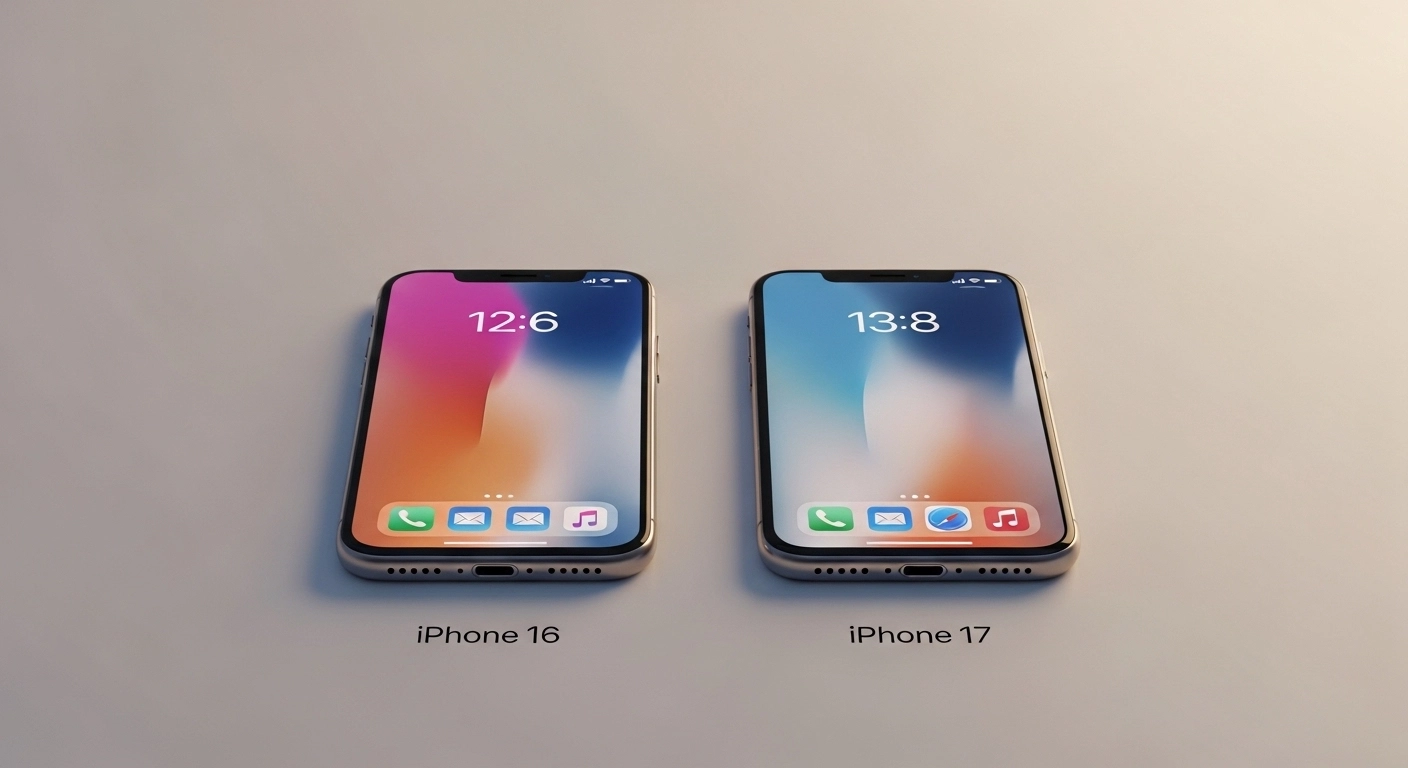
Look, every year Apple drops a new iPhone and every year the same question comes up — is it actually worth upgrading, or are we just falling for the hype again?
I’ve been using the iPhone 17 for a few weeks now, and I had the 16 before it. So let me just tell you what I actually think, without all the corporate press release nonsense.
Short answer: If you have an iPhone 16, save your money. If you’re still on a 12 or 13, okay, now we’re talking.
Let me break it down properly.
First, The Quick Comparison
| Feature | iPhone 16 | iPhone 17 |
| Screen | 6.1-inch OLED | 6.3-inch OLED (thinner borders) |
| Chip | A18 Bionic | A19 Bionic |
| Storage (base) | 128 GB | 256 GB |
| Main Camera | 48 MP, f/1.6 | 48 MP, f/1.6 + better ultrawide |
| Battery (Apple says) | 22 hours | 30 hours |
| Battery (real life) | ~13–14 hrs | ~16–17 hrs |
| Charging | USB-C, 25W | USB-C, 35W |
| Price | $699 | $799 |
Nothing shocking there, right? That’s kind of the point.
Physical Specifications — The Actual Numbers
| Spec | iPhone 16 | iPhone 17 |
| Height | 5.81 in (147.6 mm) | 5.89 in (149.6 mm) |
| Width | 2.82 in (71.6 mm) | 2.81 in (71.5 mm) |
| Thickness | 0.31 in (7.8 mm) | 0.31 in (7.95 mm) |
| Weight | 6.0 oz (170g) | 6.24 oz (177g) |
| Display | 6.1″ Super Retina XDR | 6.3-inch diagonal OLED |
| Resolution | 2556×1179 (460 ppi) | 2622×1206 (460 ppi) |
| Refresh Rate | 60Hz | 120Hz |
In real life? The difference is so small it’s almost not worth mentioning. A gram or two heavier, marginally thinner. After a few minutes, you completely forget about it.
The one thing I will say—the 17 runs cooler during heavy use. Gaming sessions, long video calls, recording 4K video—the 16 would get noticeably warm in that bottom corner. The 17 manages heat better. Small thing, but if that used to bug you, it’s fixed.
So What Did Apple Actually Change?
The Screen
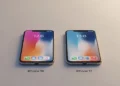
Honestly? Barely anything. This screen is now 6.1 inches. With the bezels being a little thinner, it does look slightly sleeker in hand, but if someone handed you both smartphones and didn’t tell you which is which, you would have to look closely to spot the difference. It’s not a new paint job, it’s just a fresh coat.
The Camera
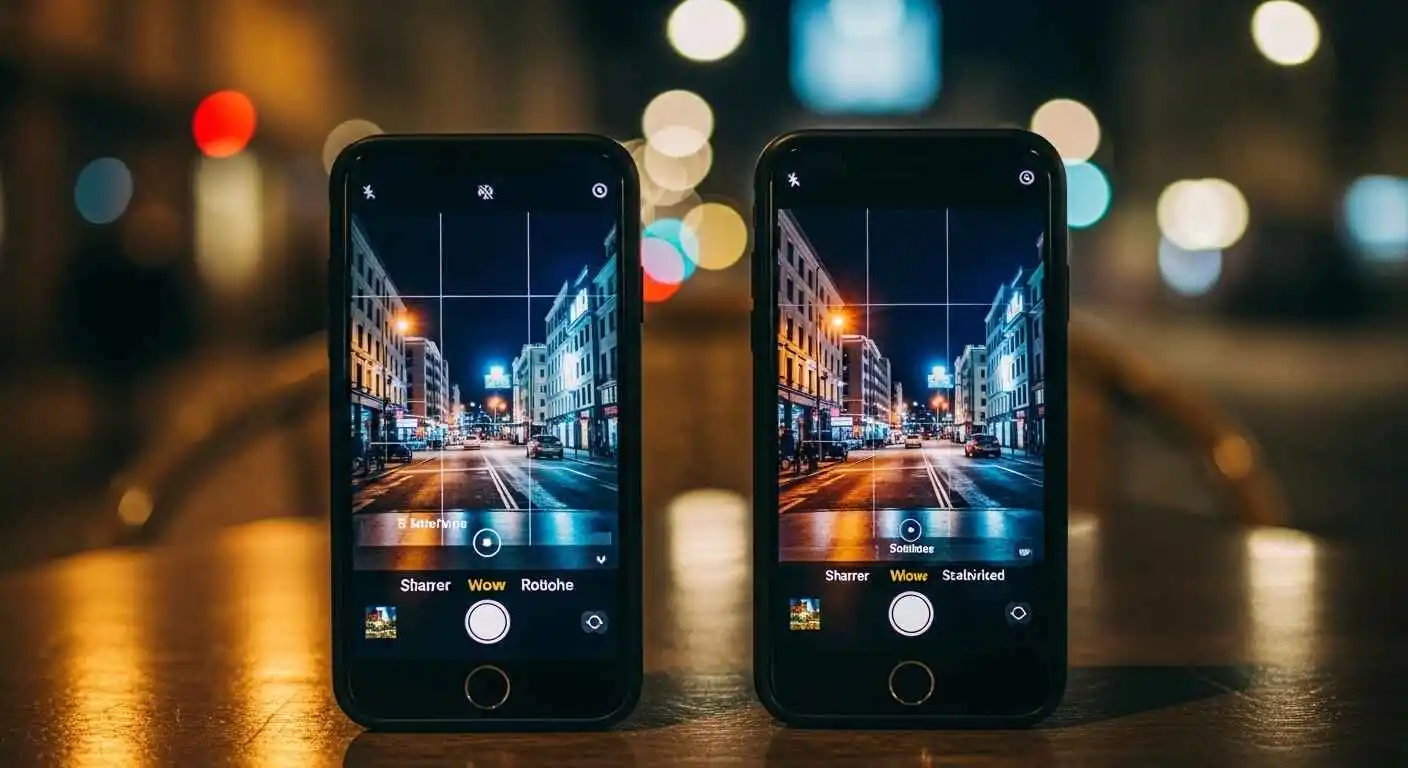 On paper, same camera. 48 megapixels, same aperture. Where iPhone 17 does pull ahead is in the software side of things — better processing for low light, the ultrawide is sharper in dark conditions, and video stabilization is noticeably smoother.
But here’s the thing — for normal everyday photos? You’re not going to see a dramatic difference. Birthday parties, trip selfies, or coffee shop snaps both phones handle it all just fine.
You’ll actually see the improvement when shooting at night, indoors when the lighting isn’t good, or if you record videos regularly. Those specific scenarios — yes, the 17 is better.
The Battery
Okay, this is genuinely the most meaningful upgrade. Apple claims 30 hours vs 22 hours. Real-world tests back this up, too.
LTT Labs, Tom’s Guide, PhoneArena — they all tested both phones separately, and the pattern was the same across the board. The 17 gives you roughly 3 to 4 extra hours in normal daily use. That’s nothing.
If you’re someone who plugs in at 3 pm because you can’t make it to dinner, this upgrade would actually fix that problem for you.
Real Battery Numbers (From Actual Tests)
| Who Tested It | iPhone 16 | iPhone 17 | Extra Time |
| LTT Labs | ~13.5 hrs | ~16.8 hrs | +3.3 hrs |
| Tom’s Guide | ~14 hrs | ~17 hrs | +3 hrs |
| PhoneArena | ~12 hrs | +3.5 hrs | |
| Apple (claimed) | 22 hrs | 27 hrs | +5 hrs |
Three different sources, same result. The battery improvement is real, and it’s consistent.
For data scientists and developers running code editors, Jupyter notebooks, or data visualization apps on mobile, processor performance matters. Our data science career guide includes a section on mobile development setups—the A19 Bionic’s improved efficiency helps battery life during intensive tasks.
Camera — When Does the Upgrade Actually Matter?
Normal Daylight Photos
Side by side, the 16 and 17 produce photos that look almost identical in good light. I genuinely had to zoom into 100% crops to spot differences. For Instagram, WhatsApp, and family albums — both phones are more than good enough.
Low Light & Indoors
This is where the 17 pulls ahead in a way you can actually see. Indoor birthday dinners, concerts, night walks — the 17 handles these situations with less noise and more detail in the shadows. Not a massive jump, but a noticeable one.
Video
If you create any type of content like YouTube videos, TikTok, Instagram Reels, etc., 17 will help you out. The stabilization works more smoothly, it does not overheat as quickly during long recording sessions, and the audio pickup in noisy places is cleaner. For casual videos, it won’t matter much, but if video is a big part of how you use your phone, this is where your money is going.
iOS 19 Features — What’s New on iPhone 17
 Apple released iOS 19 alongside the iPhone 17 series in September 2025. While it supports older models, the A19 and A19 Pro chips enable several hardware-exclusive capabilities and performance boosts.
New in iOS 19 (iPhone 17 Optimized):
Enhanced Siri with On-Device Processing:
- Neural Accelerators: The A19 chip features dedicated AI cores that make Siri responses nearly instantaneous for system-level tasks.
- Full Privacy: Advanced on-device processing ensures that “Apple Intelligence” requests (like summarizing emails or editing photos) never leave the device.
- Offline Command Suite: Unlike older models, the 17 can process complex multi-step commands without any internet connection.
Advanced Computational Photography:
- Zero Shutter Lag: The A19’s ISP (Image Signal Processor) allows for instant 48MP captures even in low light.
- 48MP Ultra Wide & Macro: iOS 19 on the 17 series supports massive detail in wide-angle shots and macro photography (previously limited to Pro models).
- Center Stage Selfies: The new 18MP front camera uses iOS 19 AI to automatically keep you and your friends in the frame.
AI-Powered Adaptive Power Management:
- Predictive Charging: iOS 19 learns your daily schedule to extend battery longevity by slowing down charging when it knows you won’t need the phone for hours.
- Background Intelligence: Automatically freezes high-drain apps based on your real-time location and habits.
- 120Hz ProMotion (All Models): New for 2026! Every iPhone 17 model now supports the 120Hz adaptive refresh rate via iOS 19, though the Always-On feature remains exclusive to the Pro and Air models.
Spatial Media & Video Capture:
- Spatial Photos and Video: Record immersive 3D memories for Apple Vision Pro.
- Dual Capture: iOS 19 allows the iPhone 17 to record from the front and rear cameras simultaneously at 4K resolution.
- Note: This requires the dual-lens system of the iPhone 17 or triple-lens of the Pro (The ultra-slim iPhone Air has limited Spatial support due to its single-lens design).
Important Note:
Most core iOS 19 features work on the iPhone 16. However, the iPhone 17 is the first base model to receive the 120Hz ProMotion screen and 8GB of RAM as a standard, making it the minimum requirement for the most advanced “Apple Intelligence” local models.
If you’re on an iPhone 15 Pro or newer, you’ll still get the majority of the iOS 19 experience, but you’ll miss out on the new display tech and the specialized A19 thermal management.
iPhone 17 vs iPhone 17 Pro — Should You Go Pro?
A lot of people ask this, so let’s address it quickly.
iPhone 17 Pro Key Differences:
| Feature | iPhone 17 (Base) | iPhone 17 Pro / Pro Max |
| Display | 6.3-inch Super Retina XDR | 6.3-inch / 6.9-inch LTPO OLED |
| Refresh Rate | 120Hz ProMotion (New for base!) | 120Hz ProMotion (with Always-On) |
| Processor | A19 Chip | A19 Pro Chip (with Vapor Chamber) |
| RAM | 8GB | 12GB |
| Rear Camera | 48MP Main + 48MP Ultra Wide | Triple 48MP (Main, Ultra Wide, Telephoto) |
| Optical Zoom | 2x (Sensor Crop) | Up to 8x (Optical Quality) |
| Selfie Camera | 18MP Center Stage | 18MP Center Stage |
| Battery (mAh) | 3,692 mAh | 4,252 mAh (Pro) / 5,088 mAh (Max) |
| Starting Price | $799 | $1,099 / $1,199 |
The Size & Feel Thing
In real life? The difference is so small it’s almost not worth mentioning. A gram or two heavier, very slightly different in hand. After a few minutes, you completely forget about it.
The one thing I will say — the 17 runs cooler during heavy use. Gaming sessions, long video calls, recording 4K video — the 16 would get noticeably warm in that bottom corner. The 17 manages heat better. Small thing, but if that used to bug you, it’s fixed.
How Long Will Apple Support These Phones?
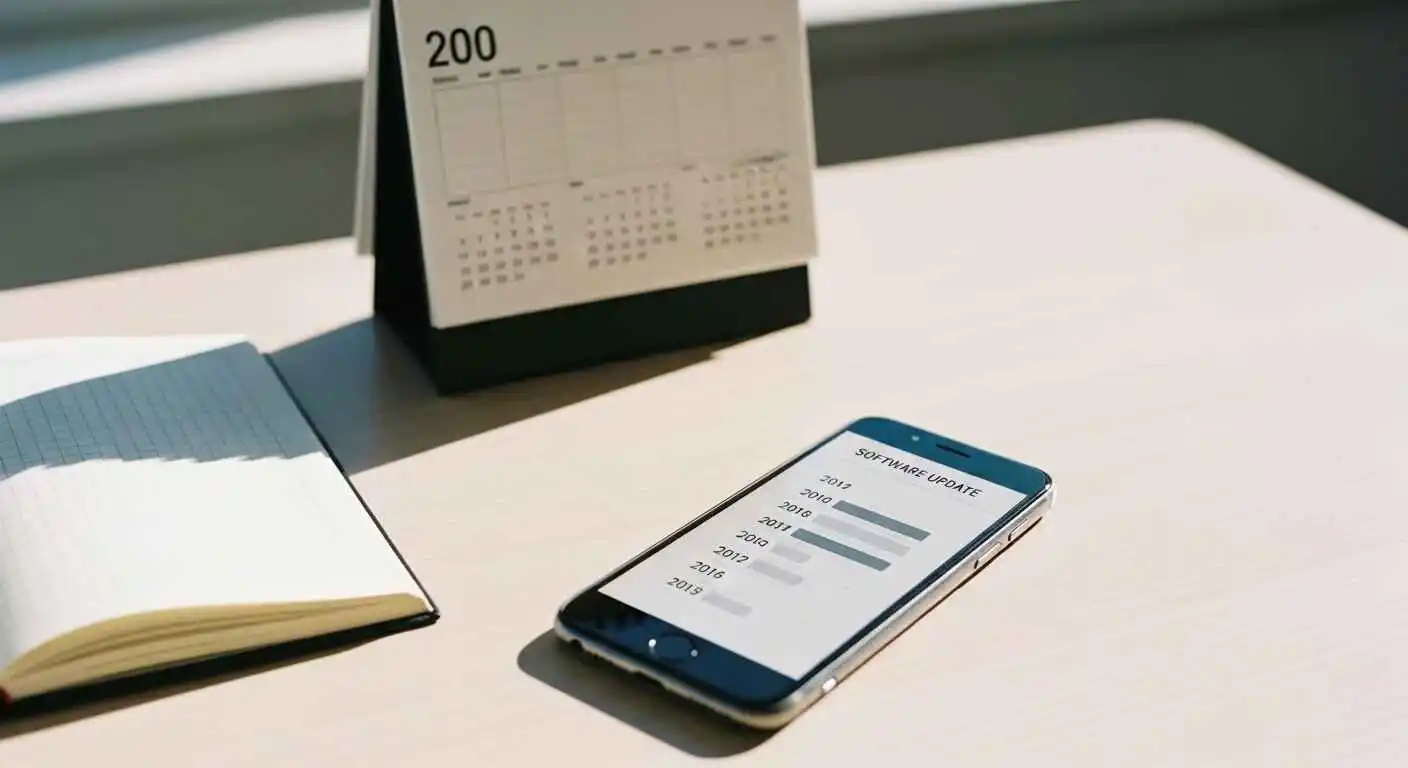 Apple typically continues to assist iPhones for approximately 5 to 6 years. The iPhone 16 was released in 2024, meaning you can expect updates as late as 2029 or 2030, as a guess. The iPhone 17 buys you roughly one more year of that.
Practically speaking, most people upgrade before a phone loses software support anyway. So this probably shouldn’t be the thing that tips your decision either way.
Let’s Talk Money
Because at the end of the day, that’s what this actually comes down to.
| Your Situation | What You’d Pay | Monthly (over 2 years) |
| iPhone 16 → 17, no trade-in | $899 | ~$37.50/mo |
| iPhone 16 → 17, trade-in (~$400) | ~$499 | ~$20.80/mo |
| iPhone 14 → 17, trade-in (~$180) | ~$719 | ~$29.95/mo |
| iPhone 12 → 17, trade-in (~$75) | ~$824 | ~$34.35/mo |
| Carrier deal (varies) | $0–$200 with plan | $0–$8/mo |
Trade-in values are estimates as of early 2026 — check Apple Trade In and your carrier before deciding.
The carrier deal situation is worth investigating seriously. T-Mobile, AT&T, Verizon — they run promos where you can basically get the 17 for close to free if you’re trading in an eligible device and staying on your plan. It changes all the time, so check what’s currently running.
Things Nobody Talks About — Early Issues
A few things worth knowing if you’re about to buy:
- Battery drain in the first 2–3 days after setup is totally normal. The phone is indexing everything, syncing iCloud, and doing background stuff. Don’t freak out. Give it 3 days before judging the battery.
- Some apps crashed in the first week for early buyers. Most of those were third-party app issues, not iPhone issues, and they got fixed quickly.
- A few people in warm climates mentioned the phone getting warm during long FaceTime calls at full brightness. I personally didn’t experience this, but it’s worth knowing.
If you’re the cautious type, wait a month after launch. The first software patch will be out by then, and most early quirks will be sorted.
Okay, Should YOU Actually Upgrade?
Buy the iPhone 17 if:
- You’re on an iPhone 12, 13, or 14. Seriously, just do it. The difference between your current phone and the 17 is night and day — speed, camera, battery, everything.
- Your iPhone 16 battery is already frustrating you, and you’re plugging in mid-afternoon every day.
- You make video content and care about quality — the stabilization and thermal improvements are real.
- You got a solid carrier deal or trade-in offer that makes the cost actually reasonable.
Skip it if:
- You have an iPhone 16, and it works fine. There’s no compelling reason to spend $900 on this.
- You’re tight on budget. The improvements don’t justify the full price for most people.
- You mostly call, text, and scroll social media. Any iPhone from the last 3 years does that perfectly.
- You’re already planning to upgrade to iPhone 18 next year — just wait and make a bigger jump.
Other options worth considering:
- Discounted iPhone 16 — now that 17 is out, 16 prices are dropping. You can get a great phone for significantly less.
- iPhone 17 Pro — if you specifically want the best camera Apple makes and budget isn’t the concern, the Pro’s sensor upgrade is more meaningful than what’s in the standard 17.
- iPhone 15 owners — honestly, you’re in the middle. If your battery is holding up and you’re not a heavy video person, waiting for 18 isn’t a bad call.
Upgrade Value — By Phone You’re Coming From
| Current Phone | Worth Upgrading? | What to Expect |
| iPhone 12 → 17 | Yes, absolutely | Everything feels faster, the camera is miles better, and the battery lasts all day |
| iPhone 13 → 17 | Probably yes | Big battery and performance jump, you’ll notice it daily |
| iPhone 14 → 17 | Depends | Good upgrade, but not urgent — check your trade-in value first |
| iPhone 15 → 17 | Maybe | Noticeable but not dramatic, battery is the main win |
| iPhone 16 → 17 | Probably not | Incremental at best, skip unless you’re getting a great deal |
Before You Trade In — Do This First
- Back up everything. Settings → your name → iCloud → iCloud Backup. Do it the night before.
- Check multiple trade-in sites. Apple Trade In, your carrier, Swappa, and Back Market — prices vary a lot between them.
- Call your carrier and ask specifically what current iPhone 17 promotions they have. Don’t just check the website — sometimes better deals are available over the phone.
- Sign out of iCloud before handing your old phone over. Settings → your name → Sign Out at the bottom.
- Erase the phone. Settings → General → Transfer or Reset iPhone → Erase All Content.
- Don’t wait too long. Trade-in values drop after the first 4–6 weeks following a new launch. If you’re going to do it, do it soon.
When setting up your new iPhone 17, enable two-factor authentication immediately. Our complete 2FA guide explains how to secure your Apple ID, iCloud, and App Store purchases—critical for a device containing payment information, photos, and personal data worth far more than the phone itself.
My Final Take
Here’s the thing — Apple made a solid phone with the iPhone 17. But they also made a solid phone with the iPhone 16. The gap between them just isn’t big enough to get excited about unless you’re getting a killer deal or you’re coming from something much older.
If you’re on a 12 or 13, stop overthinking it and upgrade. You’ll genuinely love it.
If you’re on a 16 already, and your phone works fine? Put that $900 toward something else. Your phone is not the problem.
And whatever you decide — spend five minutes checking your carrier’s current trade-in promos before you do anything. The difference between paying full price and paying almost nothing is often just knowing the right time to ask.
Quick FAQs
Is it worth switching from an iPhone 16 to an iPhone 17?
Not for most people. The enhancements are substantial, yet they are not significant enough to warrant an $800–900 investment. It could be a good deal/trade-in for you. Otherwise, just wait until the 18th.
How much longer does the battery last on the iPhone 17?
When tested in real life, it seems to get around 3-4 hours of actual use extra. According to Apple, their video test lasts 5 hours longer. Either way, it’s the most significant upgrade on the 17.
Is the display actually bigger on iPhone 17?
No, it remains 6.1 inches. The screen edges are slimmer, giving it a more modern feel, although the physical phone size is almost identical to that of the 16.
Will Apple give support to the iPhone 16?
For a lot of years, Apple generally supported its phones for five to six years. You’ll get iOS updates up to 2029 on the iPhone 16. You won’t be left behind any time soon.
Do you think the iPhone 16 is worth buying in 2026?
For sure. Following the launch of iPhone 17, the iPhone 16’s pricing was slashed. This product has the same chipset and camera as the more expensive one, but at a lower price.