































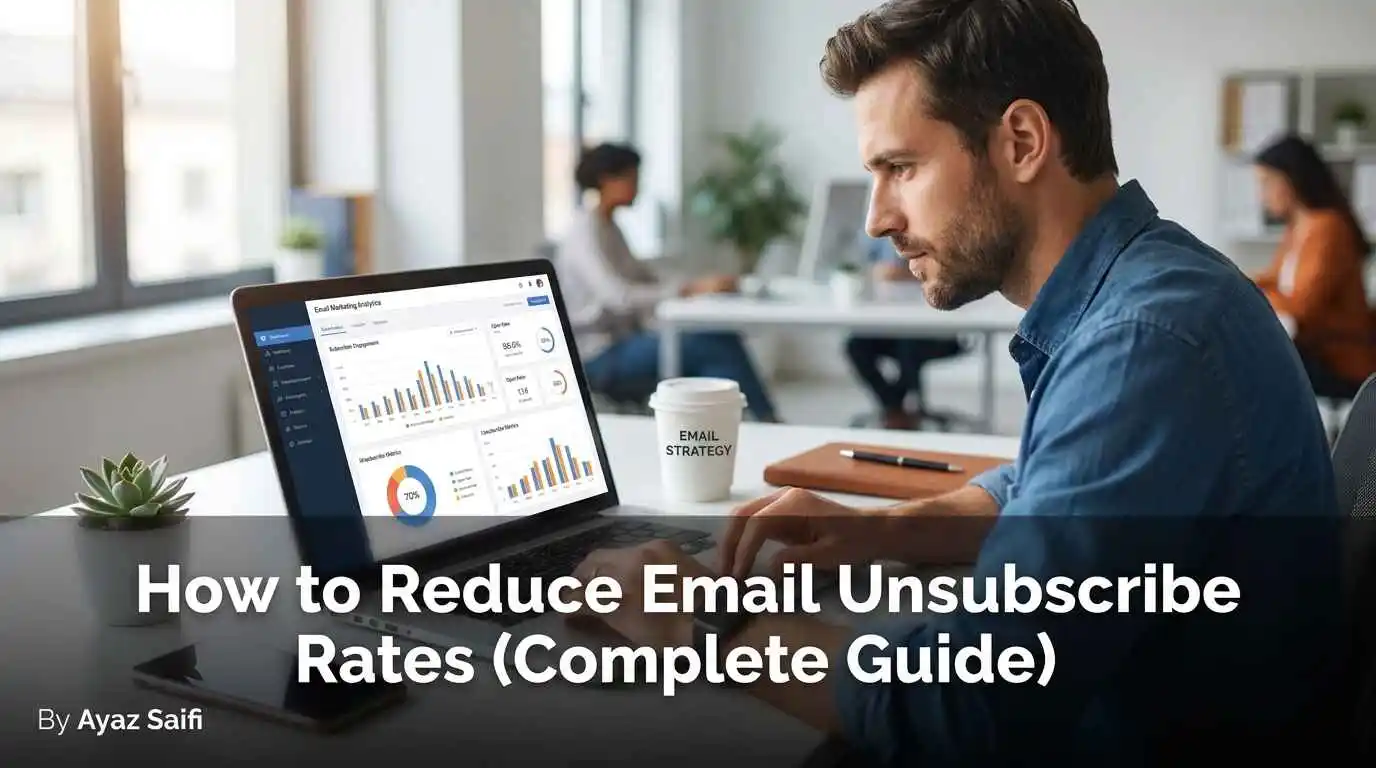
Although email marketing is still the most powerful generator of business growth, it can sting when people leave your list. A high unsubscribe rate means that your content or the timing of your content is out of sync with your audience. When a user presses the “unsubscribe” button, they are letting you know that the value promised at signup is no longer being delivered. In order to grow your business and keep your list healthy, you need to know why people unsubscribe and how to create a journey to make them stay.
In this guide, we will explain to you how to keep your email. We will look at industry benchmarks. Then, take a deep dive into the psychological reasons that make an email list churn. And finally, share actionable strategies to make an email list a more engaging asset. If you’re just getting started with automation and targeting, our AI for email marketing guide is a good companion piece to this one.
What Is the Unsubscribe Rate?
 To fix a problem the first thing we have to be clear with is measurement. In short, these email marketing experts need to track the spam rate, i.e., the percentage of people who mark your email as spam after a campaign. Important for the health check of your marketing strategy.
Unsubscribe Rate Definition
The percentage of people who unsubscribe from the list is called the unsubscribe rate. Marketers can gauge the relevance of their content. When your rate is high, your subscribers likely feel overwhelmed, bored, or misled by what’s reaching them.
How to Calculate Unsubscribe Rate
Computing this indicator is simple. You don’t need fancy software to get the basic percentage, although most Email Service Providers (ESPs) will do that automatically for you.
Unsubscribe Rate Formula
To manually determine your percentage, remember this simple formula.
Unsubscribe % = (Number of Unsubscribes ÷ Number of Delivered Emails) × 100
If you sent out 5000 emails and 25 unsubscribe, that’s a 0.5% unsubscribe rate. It is necessary to monitor this closely after every send for long-term success.
Why Unsubscribe Rates Matter
Marketers ignore unsubscribers, thinking they can “buy” more. An error has happened. When unsubscribe rates rise, it can cause the whole business model to unravel.
- Acquiring a new subscriber is five times more costly than retaining an existing subscriber as a result of list decay and churn. Frequent customer turnover forces you to depend on new purchases. the same principle behind most customer retention strategies for small businesses, where keeping an existing relationship healthy is almost always cheaper than replacing it.
- The deliverability impact is that if big players like Gmail see a lot of people unsubscribing from the marketing emails you send, they might mark your future emails as spam.
- People leaving tend to drop your open rates and click rates, too. All of this leads to a dead list.
- Fewer subscribers mean fewer eyes on your offers. As a result, the lower your sales, the smaller your ROI. Don’t beat yourself up if you aren’t generating revenue yet, but remember that unpaid options are in direct competition with yours. How long can you afford to wait?
What Is a Good or Average Unsubscribe Rate?
An unsubscribe rate of less than 0.5% is considered healthy among marketers. But what does “healthy” actually mean? This would really depend on your audience. Mailchimp’s benchmark data, pulled from millions of accounts across industries, puts the all-industry average unsubscribe rate close to 0.26%, giving you a real baseline to compare against rather than a guess.
Industry Benchmarks (SaaS, Ecommerce, B2B, Local Business)
Check out the table below to see how your brand compares against the average unsubscribe rates for your sector. The time to hit pause on your campaigns is when the numbers show signs of rising to 1%.
Common Causes of High Unsubscribe Rates
What causes people to depart? One thing is hardly ever the only thing. It’s often the case that tiny frictions lead to the “unsubscribe” click in most cases.
Relevance Decline (Wrong Expectations)
This is the top killer. If you sign up a user for a free “SEO Checklist” and three days later you start sending them daily life coaching tips, they will opt out. The material needs to align with the pledge made at the signup.
Frequency Misalignment
Too many emails won’t give you any popularity points. On the other hand, sending too little makes them forget you. It is crucial to locate the right zone to minimize the unsubscribe rate.
Poor Personalization
In 2026, just the first name tag won’t be enough. Users expect highly personalized content today. If someone only buys men’s shoes from your store and you keep sending them high heel promotions, they will feel you don’t know them.
Lack of Segmentation
Sending out an email “blast” to your entire list is a thing of the past. If you treat your whole list as one big group, you are destined to fail. Different segments have different needs.
Proven Strategies to Reduce Unsubscribe Rates
 Improve your user experience and cut down on the number of email unsubscribers to your campaigns. A beneficial step-by-step framework to keep your list engaged.
Set Clear Expectations at Signup
Transparency begins when you click “Subscribe.” Clearly communicate the benefits to the audience. Substitute “Join our newsletter” with “Join 5,000 marketers getting weekly SEO tips every Tuesday.” When expectations are met, people don’t leave. This same clarity principle applies to how you write a meta description that increases clicks: set the right expectation up front, and the person who arrives is far less likely to bounce or opt out later. This isn’t just good practice, either. The FTC’s CAN-SPAM Act compliance guide legally requires every commercial email to include an honest, easy-to-find way to opt out, and requests must be honored within ten business days.
Segmentation Strategies
Send what is necessary, not everything. Categorize your list according to.
- Last week, what did they click?
- Are they new leads or repeat customers?
- Topics or categories browsed on your site by the user
Email Content Optimization
Your emails should be easy to read. Keep your content brief and organized, and keep the layout simple. When readers find it harder to navigate your email on mobile, they likely look for the unsubscribe link to leave your email marketing list.
Personalization Beyond Name Tags
Utilize active content sections. Make sure to display events relating to London to those who live in London. Providing a simple demonstration will help them understand their camera well without any chaos. This makes it seem every email has been made for them.
Preference Center Implementation
This changes everything. Provide them with a “Manage Preferences” option instead of a “one-click unsubscribe”. Let them do it.
- Reduce how often you do something. (Once a week rather than every day)
- Select subjects like “Only Send Me Sales” or “Only Send Me Blogs”.
- Suspend emails for a month.
Businesses that skip this step tend to sit above the overall industry average unsubscribe rate of 0.89%, since a hard “all or nothing” opt-out pushes borderline subscribers to leave entirely instead of just dialing down frequency.
Re-engagement & Win-back Flows
Subscribers who haven’t opened an email for 90 days are ghosting you. Send a special “win back” campaign. Phrase a question like, “Are we still friends?” and incentivise them to come back. If they continue to remain unengaged, then deleting them yourself is actually preferable to keep your list clean.
Analytics & Testing Framework
If you don’t measure it, you can’t improve it. Constant testing yields a healthy unsubscribe rate.
- Monitor unsubscribes along with opens and clicks on your KPI dashboard. To see which campaigns are actually turning subscribers into paying customers rather than just clicks, pair this with conversion tracking in Google Analytics so unsubscribe data sits alongside real revenue outcomes.
- Analyze the subscribers who joined during a specific holiday sale. Are they lingering longer than their regular blog post sign-up counterparts?
- Subject lines and send times should be tested. Just changing the “From” name from a company name to a person’s name can significantly reduce churn. Tagging each campaign link with a UTM parameter also makes it much easier to tell which specific email drove a click versus which one drove someone straight to the unsubscribe button.
What to Do When You Can’t Reduce Unsubscribes
 No matter what you do, sometimes people are going to leave. It’s Going Good. It is actually good to some extent.
- Check the quality of your list: Are you getting “garbage” leads since you gave away something almost for free? If so, those people were not going to buy anyway.
- Cleaning your List: The act of manually removing people who don’t engage actually improves your deliverability with Gmail and Outlook. It’s worth checking this alongside your bounce rate versus exit rate on site, since a list that’s disengaged in email often shows the same disengagement pattern once they land on your website.
- If your strategy to enhance email engagement and reduce unsubscribes isn’t working, then your strategy may be outdated. Survey your audience to find out what type of content they wish to read.
Best Practices Checklist
Before you click “send” on your next campaign, check this list.
- Did I include a clear Manage Preferences link?
- Does this content suit the audience I’m planning to send?
- Is it enticing enough to stick around for the first three lines of the email?
- Have I checked how this appears on an iPhone or an Android?
- Am I offering more value in sales than I am taking?
FAQs (Snippet-Optimized)
What is a good unsubscribe rate?
0.2%-0.5% unsubscribes rates are indicative of a healthy list. If your rate is lower than 0.5%, your content is relevant and useful for your audience.
What causes people to unsubscribe?
Users unsubscribe from email lists for three main reasons. A sender that sends too many emails (frequency), irrelevant emails that don’t match the signup promise, and emails that are badly optimised for mobile (and, as a result, difficult to read).
How do I reduce my unsubscribe rate?
You can minimize the unsubscribes by segmenting your list, providing a preference center for frequency of emails, and offering interesting content that gives immediate value.
What’s the difference between unsubscribe and spam complaints?
An unsubscribe is a clean break; the user exits entirely through your link. A spam complaint occurs when a user reports you to their email provider. This can have a disastrous influence on your inbox deliverability to other customers.
Should I remove inactive subscribers even if they haven’t unsubscribed?
Sure. Having unresponsive subscribers on your list affects deliverability. If you let go of users who haven’t opened an email in the past 6-12 months, it’ll help your emails reach people who would actually read them.