































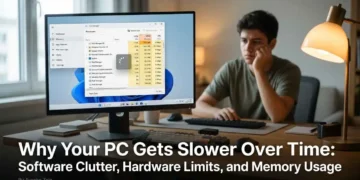







Do you know that there have been instances when your computer starts up in a slower way than it used to be before, programs open slower and the everyday tasks take longer than usual? A good working computer can eventually become a source of annoyance because of the many problems it causes.
However, the cause of such a state can be both the aged components as well as some other things such as software clutter, hardware restrictions, background processes and high memory usage. Knowledge of all these things will help you understand what needs to be done.
1. Software Clutter Can Reduce PC Performance
Over the years, many computers accumulate programs that they do not use. In some cases, applications are installed once for a particular purpose and never used again, while others have been installed as bundled software or run silently in the background.
While it is unlikely that a small number of unused applications will cause any difference, having a lot of unnecessary programs will take up space and computer resources.
Uninstall Programs You Do Not Use
Taking a look at your list of installed programs is an easy way to get rid of excess software. Uninstall the programs that you no longer use, particularly those that run background processes or start themselves upon boot-up.
There are various ways to uninstall software on Windows 11 using Settings. However, there might be leftover files, folders, or components from the uninstalled application.
An uninstall tool can help identify unwanted software and remove associated leftovers. For example, IObit Uninstaller offers features for uninstalling applications and cleaning up related files.
However, before removing any component, make sure to understand its function so you do not remove something necessary to Windows or other applications.
2. Hardware Limitations May Be Holding Your PC Back
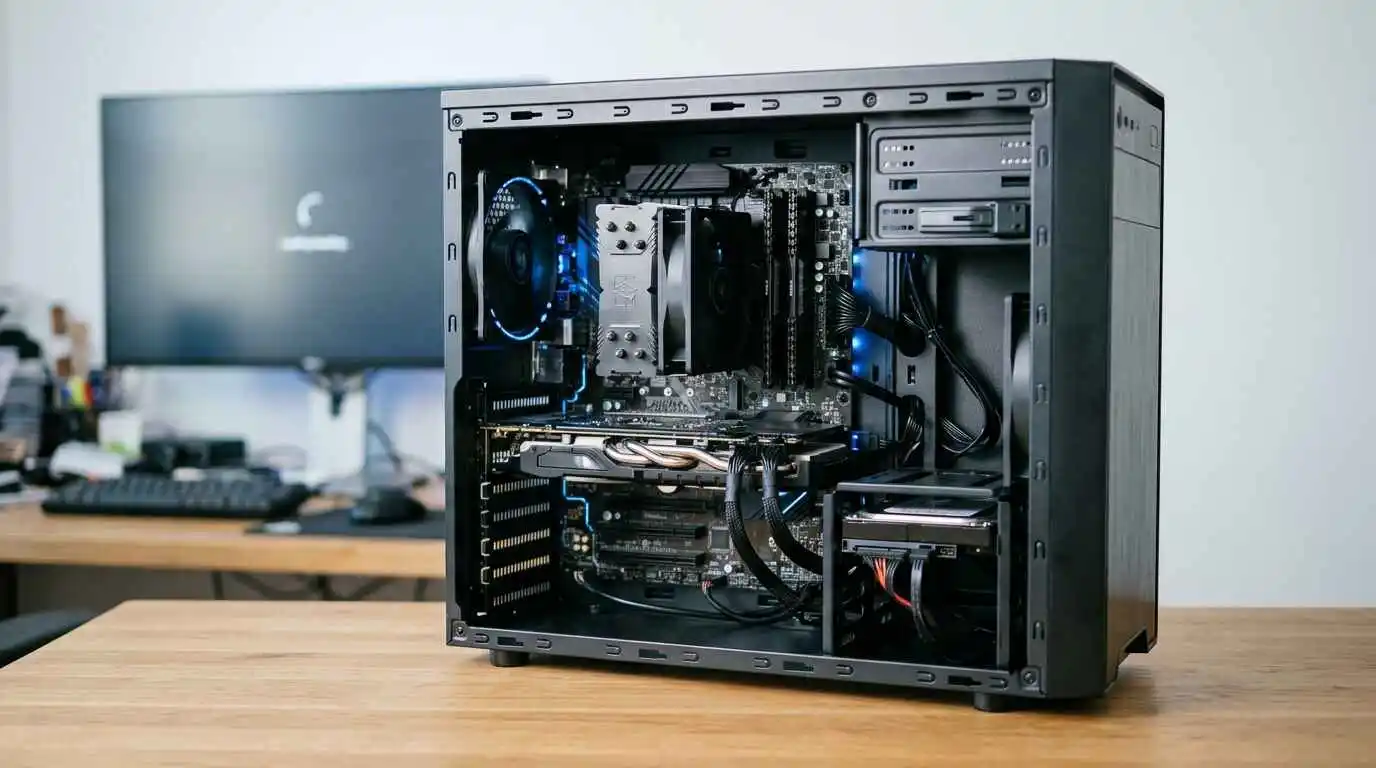 It’s not true that all slow computers have software problems. However, the computer’s hardware is not able to handle the current applications, games, and multitasking. The processor, graphics card, memory, and the hard disk play an important role in the performance of the computer.
Understand Your PC’s Hardware Capabilities
An old computer may require a lot of time for dealing with complicated tasks. Likewise, the presence of insufficient RAM may lead to complications while performing multitasking and using an old mechanical hard drive may make booting the system slower.
Instead of assuming what component to improve, you should start with examining your system first.
There are such programs as Windows System Information and Task Manager that provide hardware information. There is even the online website called Rate My PC that checks hardware information and allows people to understand their systems.
For instance, the website of IObit provides the opportunity to type in the information about CPU, GPU, and RAM of the system for evaluating its capabilities of playing certain games.
3. High RAM Usage Can Make Windows 11 Feel Sluggish
Temporary storage is used by the computer to keep the data which is needed to run applications. If several apps and browser tabs are running simultaneously, this could lead to high memory usage.
And if there is insufficient amount of RAM available, then the computer starts utilizing hard drive space for process management. The speed of storage is generally lower than that of RAM.
Identify Applications Using Too Much Memory
Before looking for a RAM cleaner Windows 11, find out which applications are consuming the most memory.
Press Ctrl+Shift+Esc to open Task Manager, and click on the Processes tab. Click on the Memory tab to sort the programs by their RAM usage.
It might be possible that the browser, editor program, or some other background process is using more RAM than usual.
Close the programs which are not running at the moment and stop all those programs from starting up automatically. However, if your system keeps running out of RAM even after normal use, increasing its RAM might work better.
Do RAM Cleaners Actually Help?
While RAM cleaners may assist with removing unnecessary background processes, they do not increase physical RAM. Windows does all that by itself, so frequent cleaning of RAM is not always necessary.
An effective RAM optimization technique should revolve around recognizing applications that require more resources and eliminating unnecessary actions. The topic of RAM management and optimization techniques is also touched upon in IObit’s Windows 11 RAM Optimization guide.
4. Simple Habits That Help Maintain PC Performance
 It is not mandatory to buy a new computer just because it gets a bit slower; there are certain tips for maintaining the computer that will increase its speed.
- Uninstall the applications which you do not use anymore.
- Update your operating system.
- Look at the programs that run automatically once your computer is turned on and close them if they are not needed.
- Make sure that you have enough space left on your hard drive.
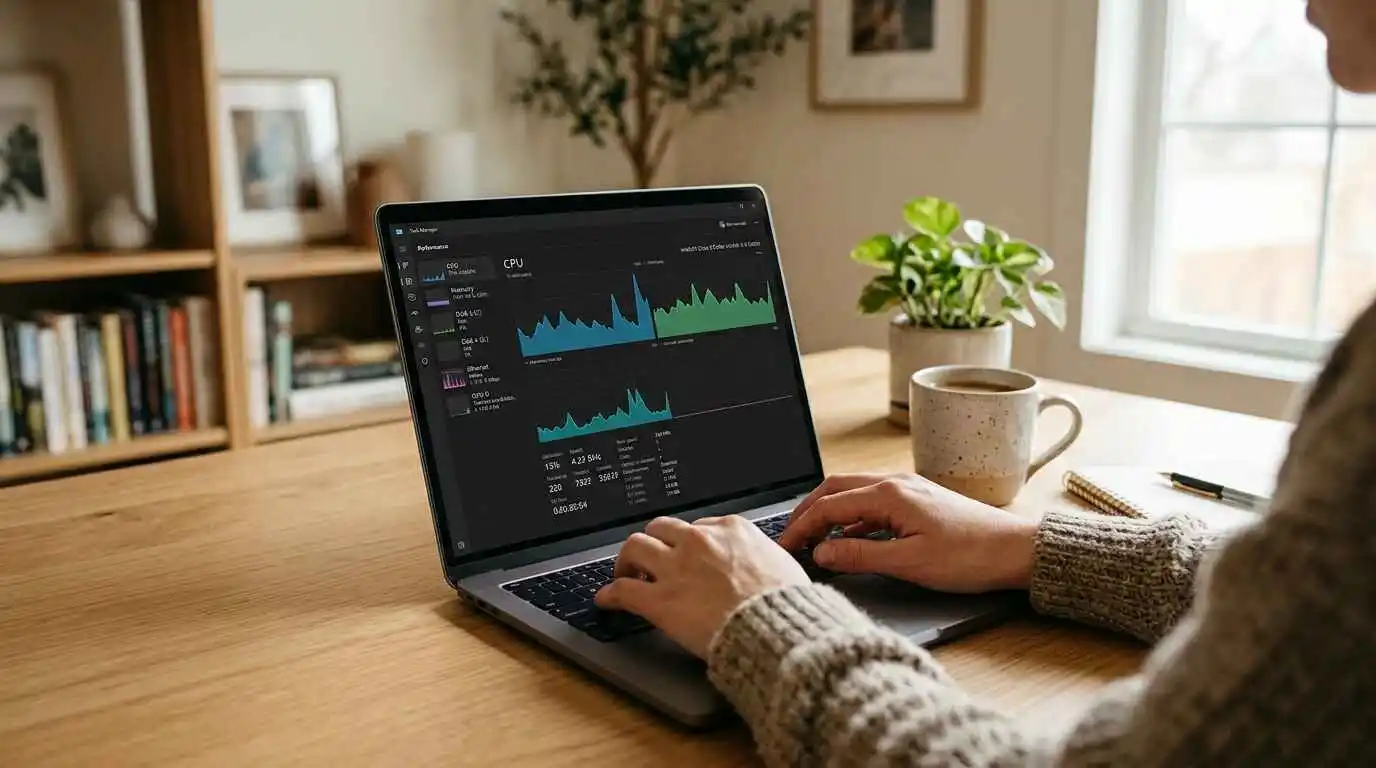
- Watch out for the CPU, memory, and disk usage from Task Manager.
- Don’t forget to restart your PC from time to time.
Final Thoughts
A slow PC doesn’t mean that your computer is no good anymore, since software, hardware, and high use of memory can have an impact on its performance.
It is crucial to delete programs that you don’t need anymore, look at your hardware specifications, and consider how you use your memory so that you can find out the cause without making assumptions.
By taking care of your computer and understanding your hardware realistically, you will make the right decisions regarding its performance.
About The Author:
Ayesha Zain is a technology and AI-focused content writer who enjoys exploring how new innovations shape our digital world. She researches emerging tech trends, tools, and breakthroughs, translating them into clear, engaging, and actionable content for everyday readers. At TechAiTech, Ayesha covers topics like artificial intelligence, software, gadgets, and future technologies—making complex ideas simple, readable, and meaningful. Her writing helps TechAiTech stay informative, accessible, and trusted.