
































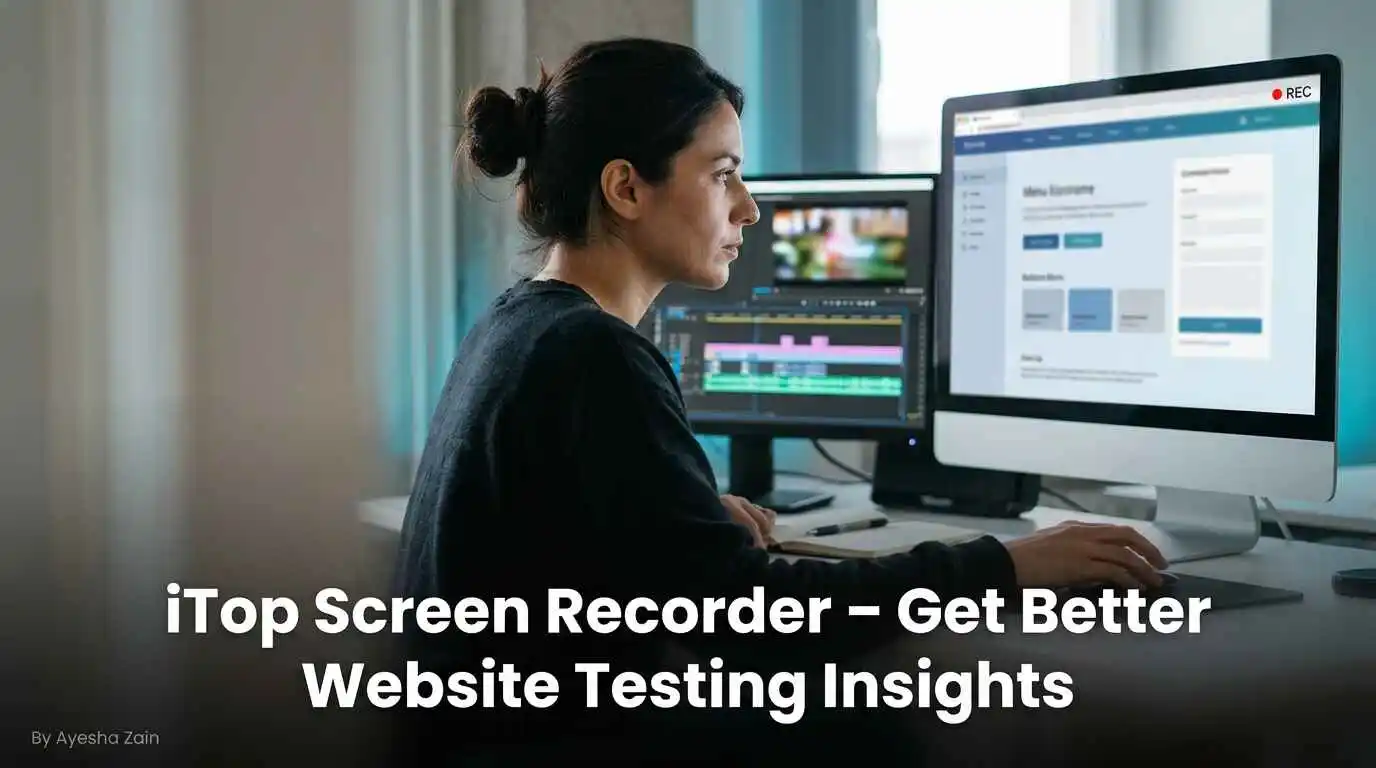
The site must be easy to navigate, clean to look at, and considerate of the needs of the user. But simply checking whether the pages of a website load or not is not enough to detect problems related to user experience on a website. The tester has to observe the way in which the user interacts with the menus, forms, buttons, and other features of the website. And iTop Screen Recorder could help with this process of observation.
Note Website Navigation Problems
Website navigation is an important component of exploration within websites. Muddled menu systems, unclear button placements, and complicated website architecture could complicate the process of locating information on websites.
The iTop Screen Recorder enables testers to record the navigation processes of people as they browse through various sections of websites. This enables them to observe how people navigate within websites, navigate through menus, and locate information. From this observation, one may identify areas of improvement regarding website navigation.
Checkout & Document Form Experience
Forms and checkouts are important elements that are used on many websites. In case the form has confusing directions or the checkout process has unnecessary steps, it will be hard for visitors to accomplish their tasks.
In testing, the actions of these elements can be captured through screen recording. The testers may capture the actions involved in filling out the form, selecting options, and moving from one step to another. The developers can then examine the tape to see the confusing parts or unexpected actions.
Training clients on website enhancements
 The web developers and designers often need to describe changes recommended by them to the client. The user may compose a problem report, but the video tour will demonstrate the problem and be easier to understand.
For professionals, iTop Screen Recorder has the ability to record website pages and highlight certain design or navigation problems. This application may highlight the necessary parts of the page that require changes and explain how these adjustments can improve the overall web surfing experience.
It may lead to more productive meetings with the client since everybody may look at the same visual examples.
Produce Website Review and Testing Videos
In many cases, these components are evaluated by website reviewers. Practical methods to present the findings include the actions mentioned.
iTop Screen Recorder can be used by creators to create movies that demonstrate how the website works. Such movies could prove useful for internal reviews, discussions during the development process, and as an educational tool to provide information on website design.
These movies can also be used to compare various versions of a website and the changes that have occurred within it.
Keep a Visual Diary of Website Changes
Websites undergo continuous updates to improve appearance, functionality, and performance. Recording important testing sessions could help testers understand how a platform has developed.
Video recordings can be made to enable testers to record copies of old layout designs, user experiences, and interface interactions. This information will come in handy in reviewing changes made after the redesign.
Conclusion
The conduct of website usability testing allows for better design of websites in terms of users. iTop Screen Recorder facilitates this process by allowing for recording of navigation, demonstrating problems with the website, and describing interface modifications. And since iTop Screen Recorder includes the feature of screen recording, it may be easier for you to demonstrate what you observe during the website testing and have useful visual examples while building the website.
About The Author :
Ayesha Zain is a technology and AI-focused content writer who enjoys exploring how new innovations shape our digital world. She researches emerging tech trends, tools, and breakthroughs, translating them into clear, engaging, and actionable content for everyday readers. At TechAiTech, Ayesha covers topics like artificial intelligence, software, gadgets, and future technologies—making complex ideas simple, readable, and meaningful. Her writing helps TechAiTech stay informative, accessible, and trusted.